Find & Replace and ToC
Use Cmd+F find and replace plus the auto-generated table of contents to move around long markdown documents in Nimbalyst without scrolling.
Two tools help you move around a long markdown document: find and replace for locating specific text, and the auto-generated table of contents for jumping between sections.
Find & Replace
Press Cmd+F to open the find bar. It shows a match count, lets you step through matches, and expands to replace one match or all of them.
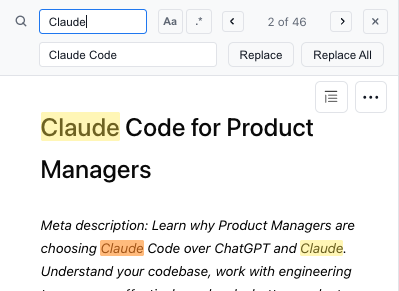
Table of Contents
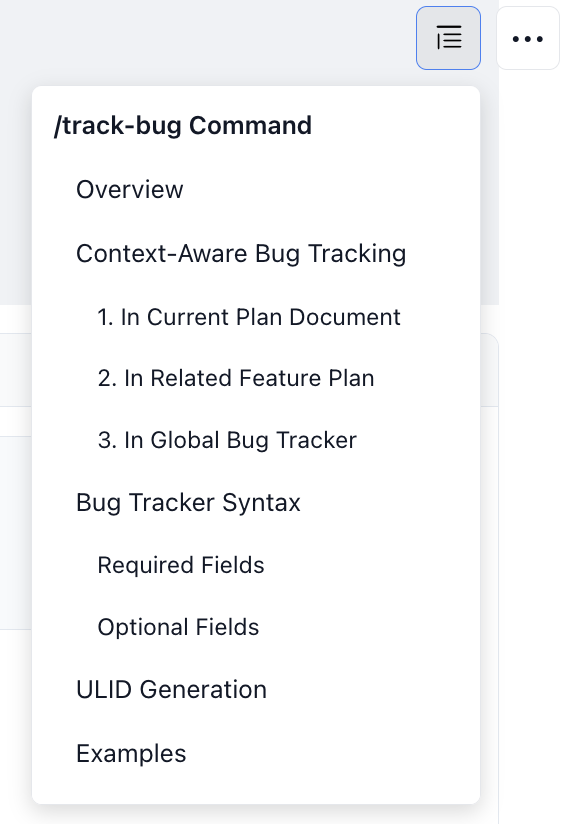
Nimbalyst generates a table of contents from your document's headings. Open it from the outline icon at the top right of the document, then click a heading to jump to that section.
More editor features are on the markdown editor page.